Gestionarea modulelor cookie care sunt utilizate pentru publicitate, cum ar fi personalizarea anunțurilor, remarketing și analiza performanței anunțurilor.
3.6.2. Confirm domain in Google Sites
Automatic setup
Use presets from the "Google → Google Sites" group.
Manual setup
Important points:
- The domain must be served on our NS. If the domain is served on third-party NS, actions need to be performed not with us, but in the panel of their owner.
- Log in to the Google account where you want to connect the domain to the site.
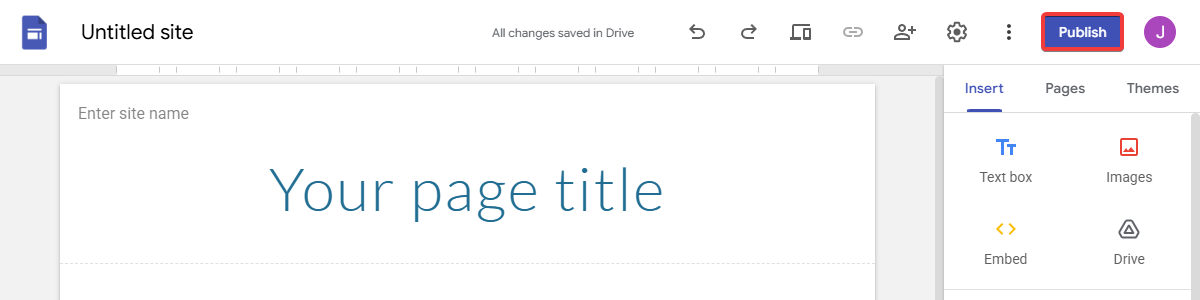
- On the site editing page, click "Publish":
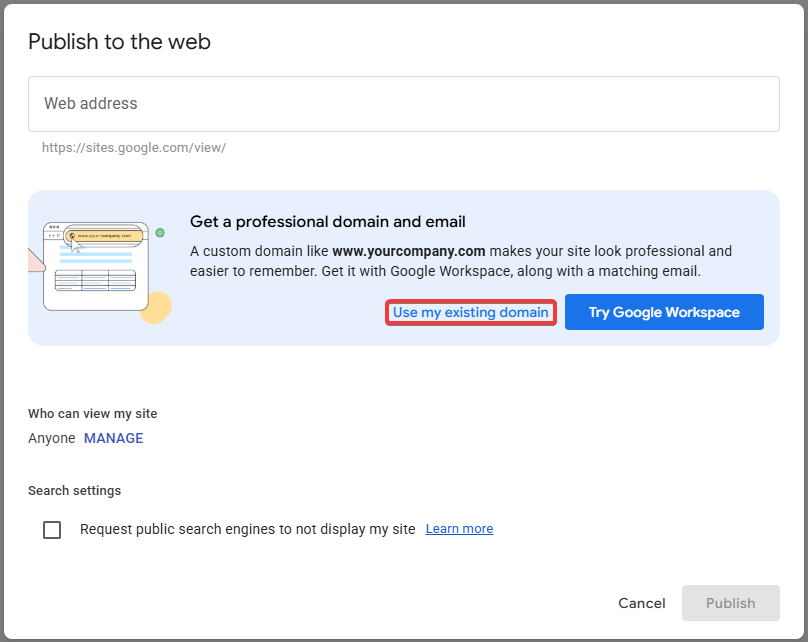
- Click "Use my existing domain":
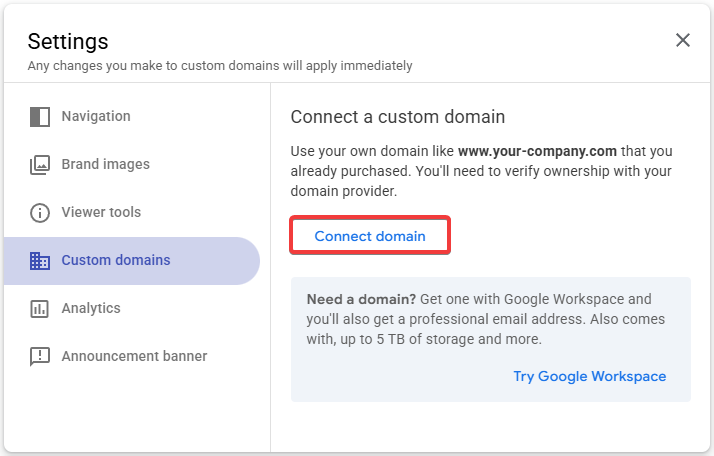
- Click "Connect domain":
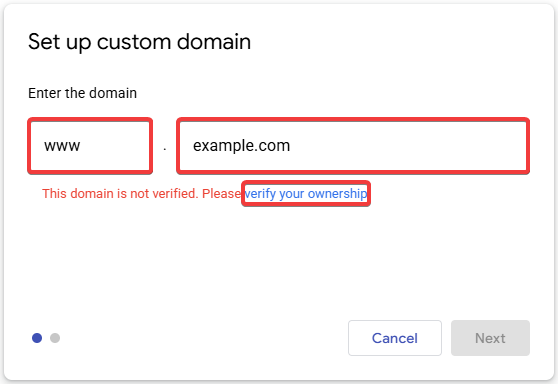
- Specify the subdomain and domain you want to connect, and click "Verify your ownership":
- Click "Continue":
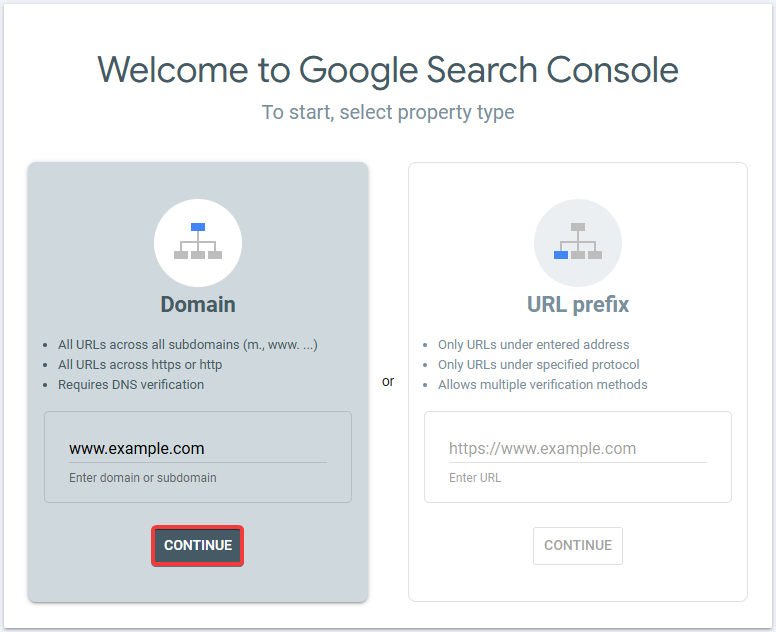
- Select the "Any DNS provider" and copy the verification TXT record:
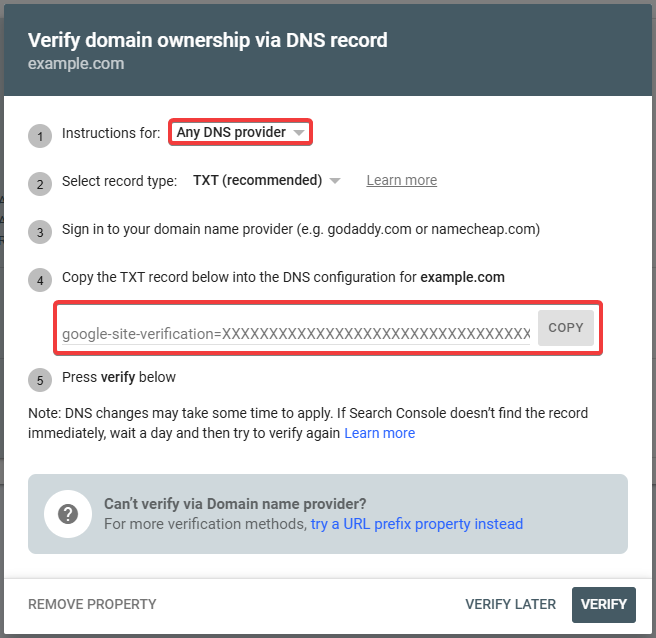
- Add a DNS record with the following data:
- Subdomain —
wwwor the name of the subdomain. - Type — TXT.
- Data — copied TXT record.
- Wait for the DNS cache to refresh (usually a few hours, maximum 24).
- In the window from step 7, click "Verify".
- In the window from step 5, click "Next" and follow the further instructions provided by the service.
(2)