Gestionarea modulelor cookie care sunt utilizate pentru publicitate, cum ar fi personalizarea anunțurilor, remarketing și analiza performanței anunțurilor.
2.6.1.2.1.2. Log in to phpMyAdmin
Attention!
You can log in from a single IP address no more than 45 times in 10 minutes. If this limit is exceeded, a temporary error will occur indicating that the IP address is not allowed to connect.Without login and password
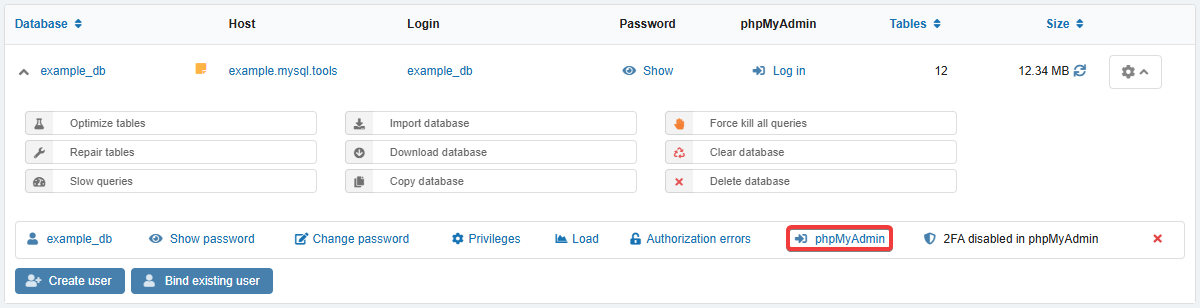
- Open the "Databases" section.
- In the database menu, in the row with the desired user, click "phpMyAdmin":
With login and password
- Open the "Hosting" section and in the "MySQL" block, click "phpMyAdmin" or just go to phpmyadmin.adm.tools.
- Enter the username and password from data for connecting to the database and click "Log in".
(1)